Unreal Engine: Inventory Systems
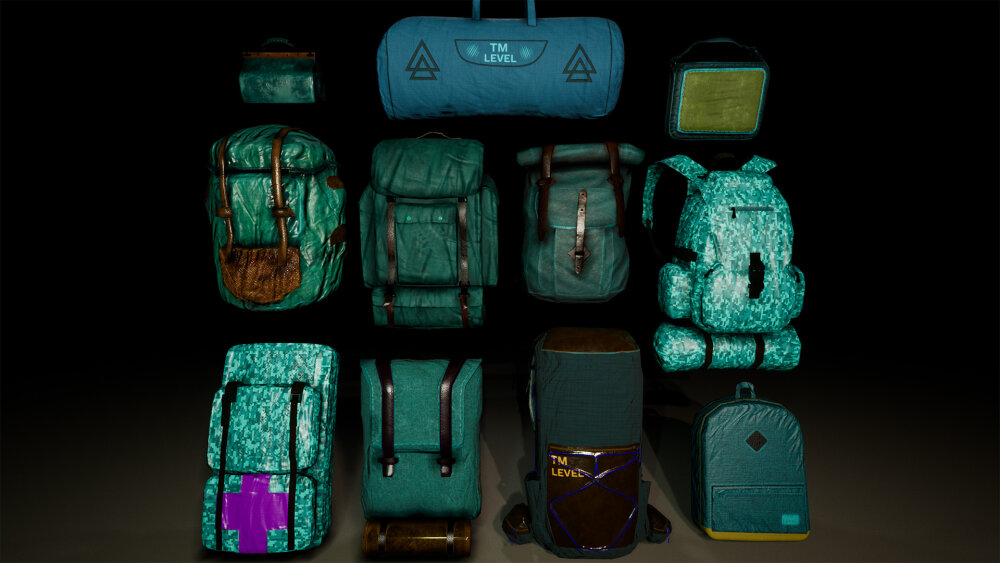
Following on from last week’s deep dive into character movement, this week was inventory systems and their implementation in Unreal Engine.
I’ll be honest: I didn’t think it was worth the time creating a dedicated repository for this week’s work, since the exercise was more about interface patterns than persistent gameplay code.
Notes below – and like the mathematics week, much of this content draws more heavily than usual from the course material itself.
Interfaces: Why They Matter for Inventory
Interfaces allow the developer to ensure a set of behaviours exist in a class and make that class responsible for their implementation. They tend to be blank classes with only pure virtual functions.
The benefit is safe multiple inheritance – or at least, the practical equivalent without the diamond problem.
Inheritance follows an is-a relationship: “Circle is a Shape.” You put common attributes and functions in Shape, and everything derives from there. But if you want Circle to be interactable, you implement those functions. Now imagine a Square that also needs interactability – casting gets messy and a lot of code duplicates.
Using interfaces, you can group a set of functions and add them to any class you want. For interactions, we create an Interaction Interface starting with just one function: OnInteract.
Creating an Interface
- Create an interface asset
- Add a function (e.g.,
OnInteract)
When designing interfaces, you must determine what actor/system will be calling the interface functions. The actor implementing the interface shouldn’t call its own OnInteract - that defeats the purpose. An external actor/system should determine the case that warrants using the interface.
In our example, we use collision. Two options:
- Check everything the player collides with (could be many items in the world, and the player is always moving)
- Check the inventory items placed in the world
To filter out irrelevant collisions, we use the interface. If the actor colliding with an item implements the Interaction Interface, we know they’ve defined a behaviour to handle the situation – they just need an external actor to call it.
Spawning Items
World spawning: It’s cumbersome to drop specific inventory items manually in the level. Instead, we create a spawner that can spawn a specific item or iterate through a list.
We can also add complexity: check there’s no actor within a certain distance (to deter camping), or count how many items exist in the world (for balancing). It’s surprisingly easy to make a simple spawner.
Equipping items: When the world version of the item attaches to the player (usually for weapons), it may not be the same actor the player equips. There are plenty of reasons beyond shape and size – the logic on an equipped weapon is usually more complex than an actor waiting for collision in the world.
Because of this, inventory items are usually separated into visual representation and actual item data. In our basic case, we create a variable in the Inventory Item base class representing the item the player picks up.
Create a variable in the Inventory Item base class:
- Variable type: the class of the pickup actor
- World representation: bigger scale, different static mesh
- Actual item for use: stored in inventory as data
For now, the variable holds a name that the UI uses. If more logic is required later, it can be added via a data table lookup, a struct, or more variables and functions.
Putting It Together
- Pass the item as a parameter to the interaction function – behaviour is defined by the actor implementing the interface.
- Spawn the item and attach it to the player at the desired socket (e.g., weapon hands).
Notes on things that stood out
The real insight here wasn’t the mechanics of spawning or attaching – those are straightforward. It was the separation of concerns: the world-facing pickup actor exists purely for collision and visual feedback; the inventory data exists purely for gameplay state. The interface bridges them without coupling them.
The course’s collision-filtering argument (check the items, not the player) is the kind of architecture decision I keep forgetting: optimisation starts at design, not in profiling.
Related Posts
2025-09-16
2025-08-27
2025-08-20